Choose & upload
Select the format you need and start with a clear original.
A LITTLE PREPARATION. A NEW BEGINNING.
Choose your format. Bring your photo. Make it a good fit.
A simple photo studio, with your privacy built in.
JPG or PNG · Up to 10 MB · Processed in your browser
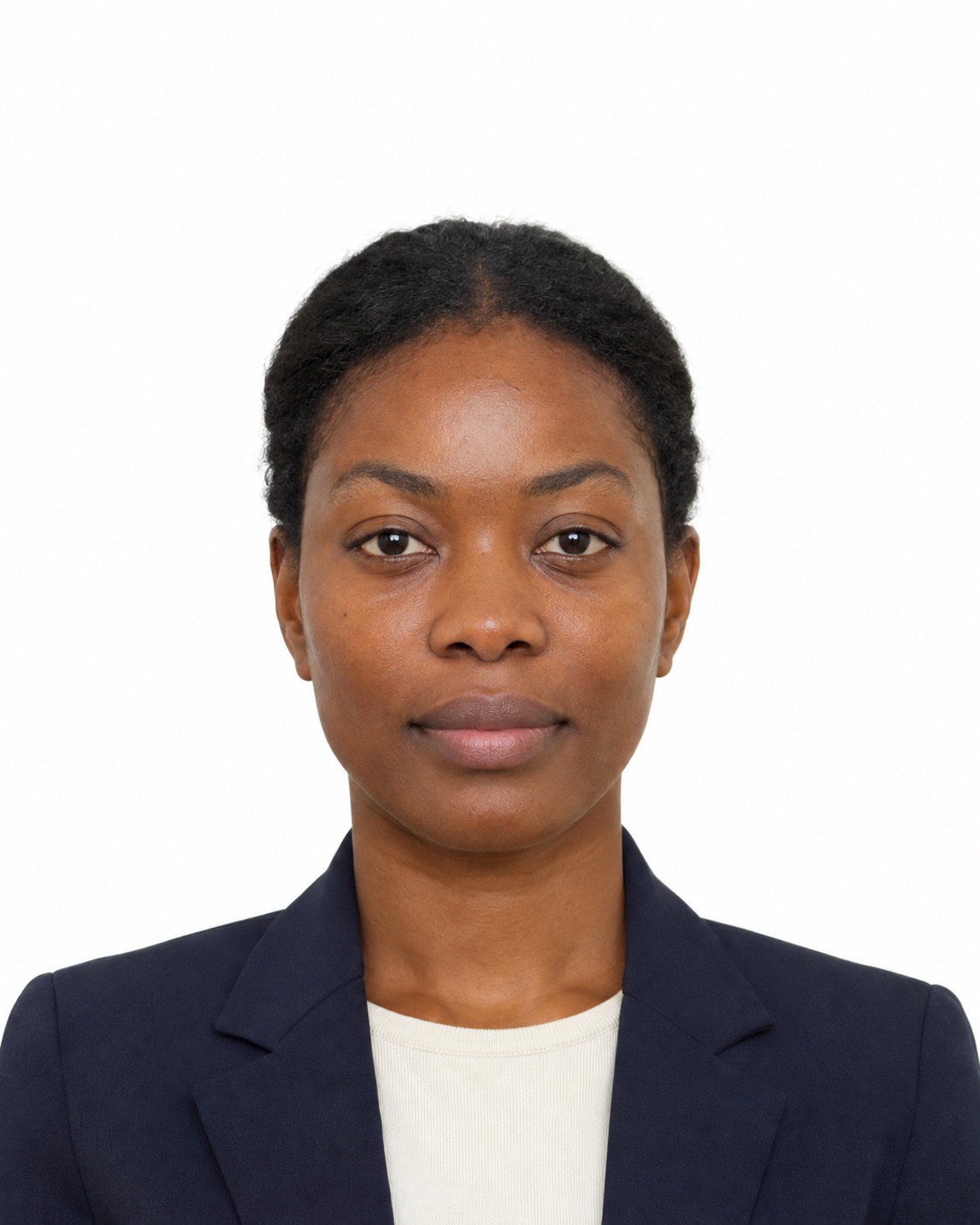
AI SAMPLE · NOT FOR SUBMISSION
A SMALL PROCESS. A BIG NEXT STEP.
Select the format you need and start with a clear original.
Adjust the frame. Check dimensions and source resolution.
Get your single JPG or a 6×4 inch printable photo sheet.
THE RIGHT FORMAT FOR THE RIGHT MOMENT.
Printed and online applications have different rules. Start with a source-backed guide.
For a printed U.S. passport photo, use a square 2 × 2 inch format. A correctly sized file alone does not establish that a photo meets every requirement.
Read the guide ↗◫Select the issuing authority and application method before choosing a photo size. A print layout and a digital application file serve different purposes.
Read the guide ↗◎Start with a sharp original photo, even lighting and the background requested by your issuing authority. Cropping cannot fix a poor source image.
Read the guide ↗BEFORE YOU GET STARTED
Know what the tool checks, and what still needs your attention.
Basic cropping, JPG downloads and printable sheets are free, without an account. This launch version does not offer paid services.
No. The file picker reads the photo into your browser. Cropping and export happen locally. You need to select it again after refreshing or clearing the photo.
No. The tool checks output dimensions and available source pixels, not facial compliance. Acceptance is decided by the issuing authority.
Not necessarily. Check the issuing authority and application route. Do not automatically reuse a print preset for a digital application.
Photo editing rules vary by document. This tool does not retouch faces, replace backgrounds or guarantee acceptance. Follow the issuing authority’s current instructions.